Kigo Video Converter Ultimate is a shareware, you can download a trial version, the only limitation is that you can only convert 3 minutes for each file.
But after you purchase, we will provide you with User ID and key to unlock the trial version limitation. Moreover, the registered software can be FREE lifetime upgraded
The registration of the software is very simple, please follow the next steps:
Step 1: Run Kigo Video Converter Ultimate for Mac, then click the Kigo Video Converter Ultimate menu, and select the Registration... option.
Step 2: After the registration box popped up, please fill the input blanks with Registration Name and Registration Code, you can also use command+c to copy and command+v to paste in the window.
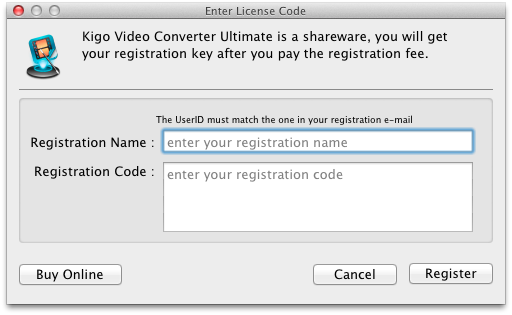
Notice:
1. Make sure the both Registration Name and Registration Code are provided by our company after you pay the registration
fee. If you have not paid, please click Buy online to purchase.
2. Make sure the Registration Name and Registration Code you entered are both completely and correctly, if not, you will
get an error message.
Step3: After you finished Registration successfully, the limitation of your Kigo Video Converter Ultimate's trial version will be removed.
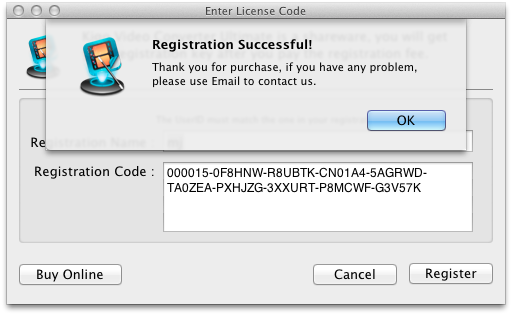
Why need to buy and register Kigo Video Converter Ultimate?
Put simply, Kigo Video Converter Ultimate is a shareware. The trial version has the limitations.
1. In trial version, you can only convert 3 minutes for each file at most.
2. In trial version, when you convert the merged video, each sub video will only be converted 3 minutes at most.
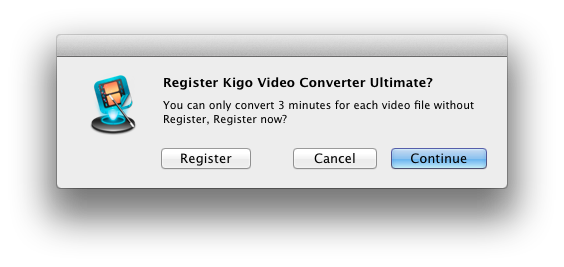
3. In trial version, you can only record 5 minutes once at most.
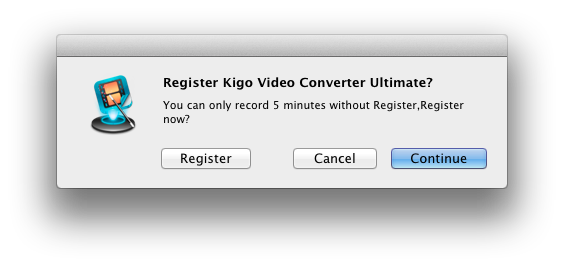
4. In trial version, when you burn DVD, each sub video will only be converted 3 minutes at most.
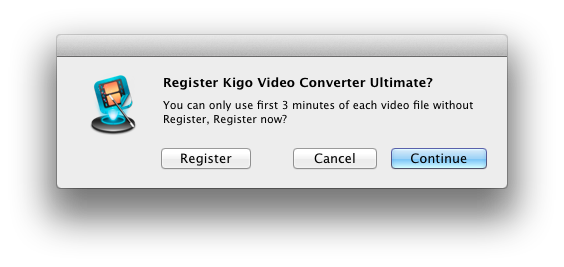
After you purchase our product, we will provide you with Registration Name and Registration Code that will unlock the trial version limitation.
What Benefits do we have after Registration?
Unlimited use with any time and function.
FREE upgrades when the updated versions of the same product released.
